
FLITELab AMPJet | Setup Tips to Get in the Water Faster
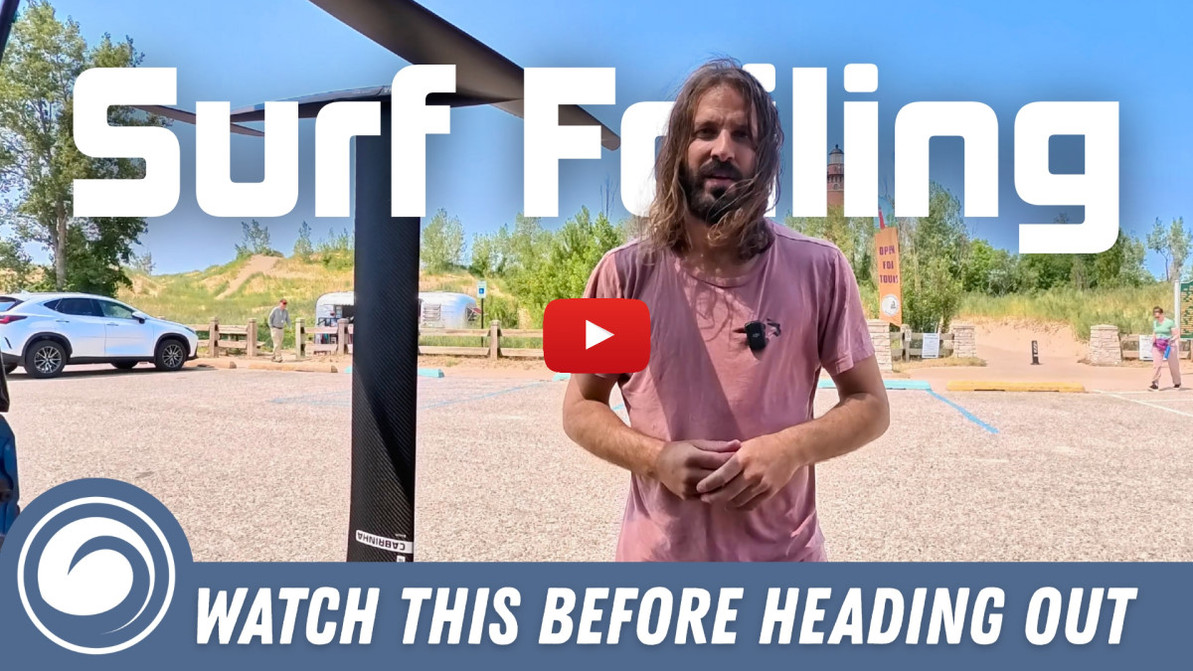
You just unboxed your new FLITELab AMPJet and are ready to head to the beach. Well... you're ready, but is your AMPJet? Not quite. Tucker thought he was, got everything set up at the lake, and then realized he'd missed an important step and had to go back. To make sure your trip from unboxing to first ride is as smooth as possible, Tucker has put together this list of setup tips.
What Should You Do Before You Leave Home?
1. Check for Updates
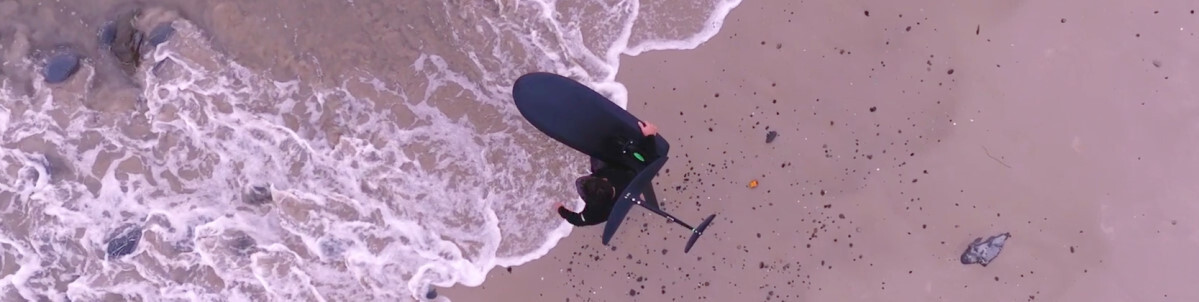
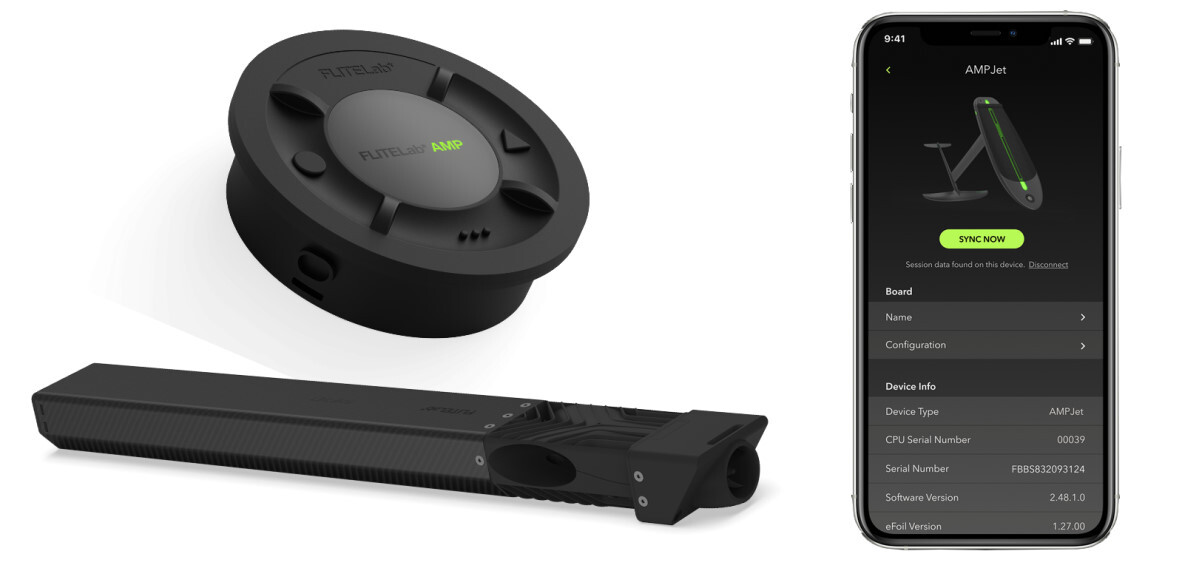
This is the step that sent Tucker packing. With no signal at the beach, he had to head back toward civilization, download the app, register the product, and update the Jet and Launch Pad firmware. We are trying to take care of this step for you when we get stock in, but with it being a new product, updates might be more frequent and one could always come through before you receive your AMPJet. So save yourself the heartache Tucker experienced and check before you leave home.
2. Charge Both Batteries
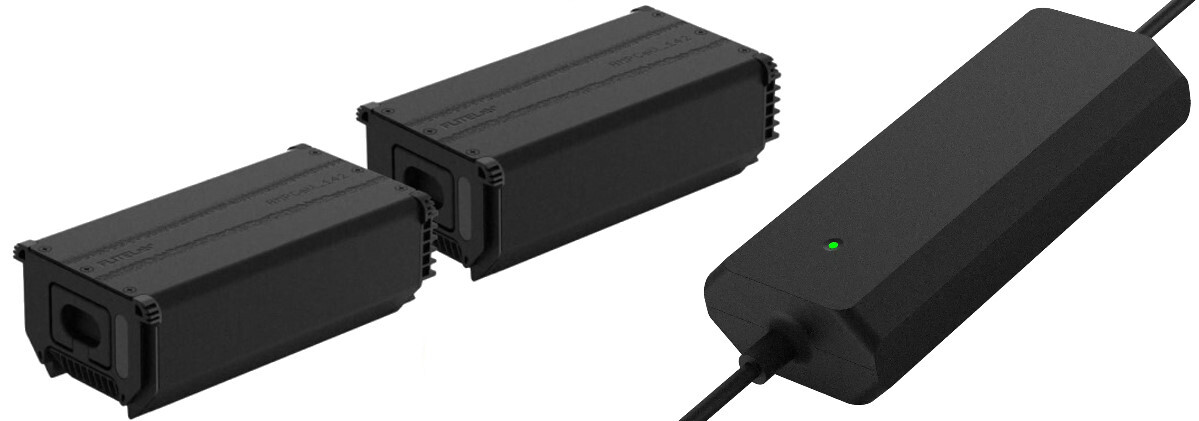
The battery unit is actually two separate batteries that must be charged individually. They ship at a storage level of charge, so you'll need to charge both to at least 50 percent. Of course, the more you charge them, the more runtime you'll have on the water.
Your AMPJet ships with one charger, so you'll need to leave time to charge each battery. Try to have them charged to about the same level. If they are too far off from one another, the battery management system will only draw power from one until they are about equal, and you'll have reduced thrust available until then. So one battery at 100 percent and one at 0 percent is not the same as two batteries at 50 percent.
How Do You Set Up at the Beach?
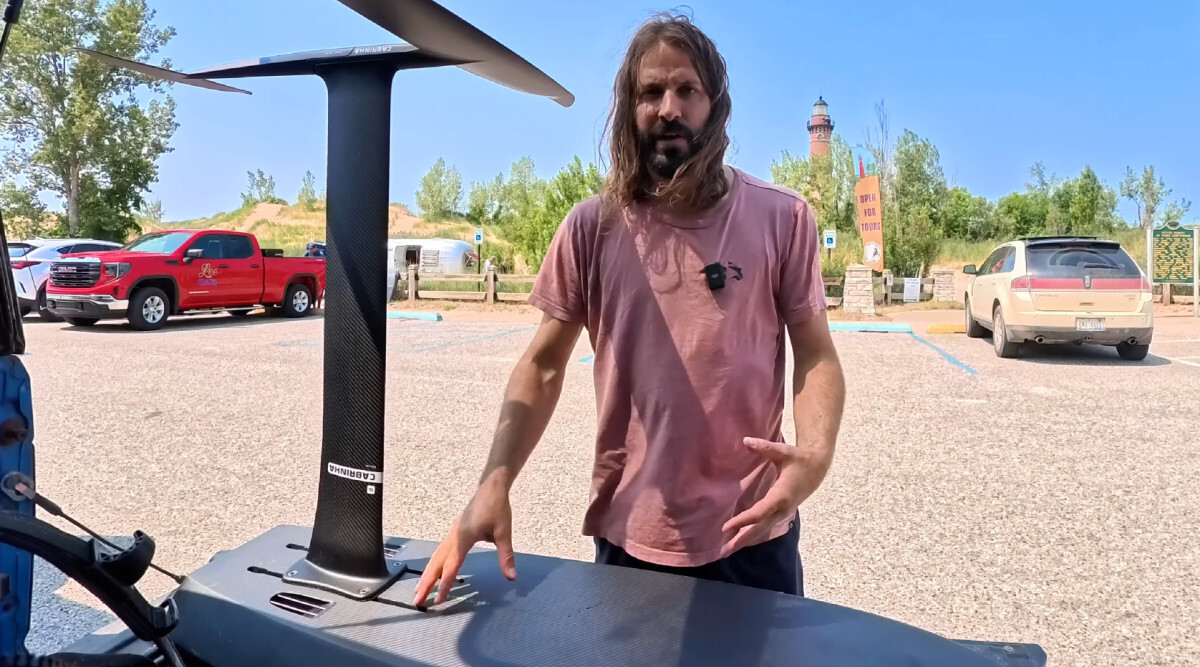
1. Assemble Your Foil
Simple enough, but where is a good position to start in the track? Try starting an inch or two back from where you'd normally ride that foil on other boards. The AMPJet boards have a lot of forward volume, the weight of the battery makes the tail a little heavier, and the thrust wants to drive the nose up. These boards are made to be ridden from the tail rather than the middle of the board like some downwind and wing boards, and your back foot will ride almost all the way back.
2. Assemble Your Battery
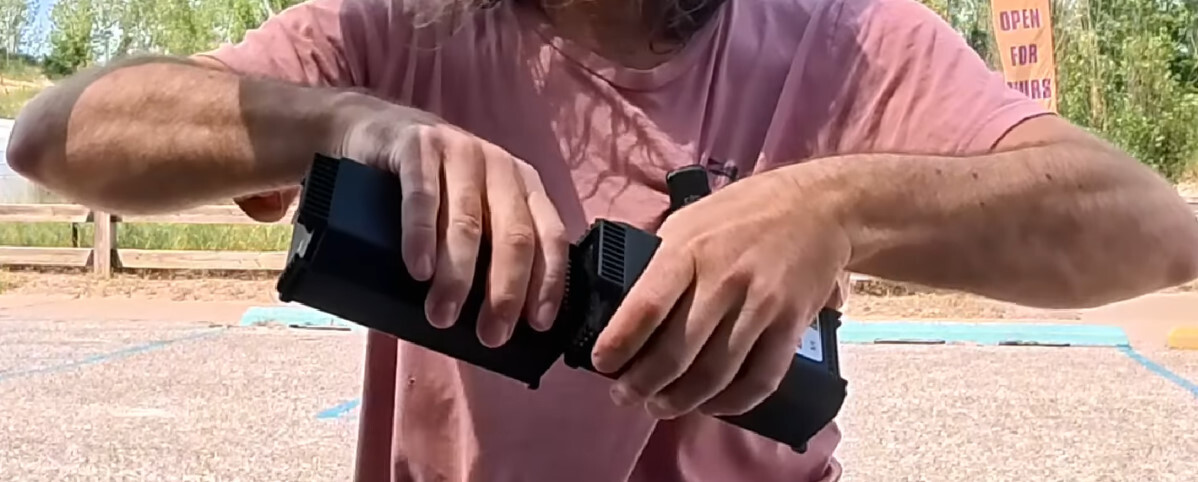
As we mentioned, the battery comes in two parts. Line up the channels and slide them together vertically. You'll hear a click as they snap together, and it will form one smooth unit. If they're still offset, try to re-seat them until they fit together properly.
3. Power Up the Jet
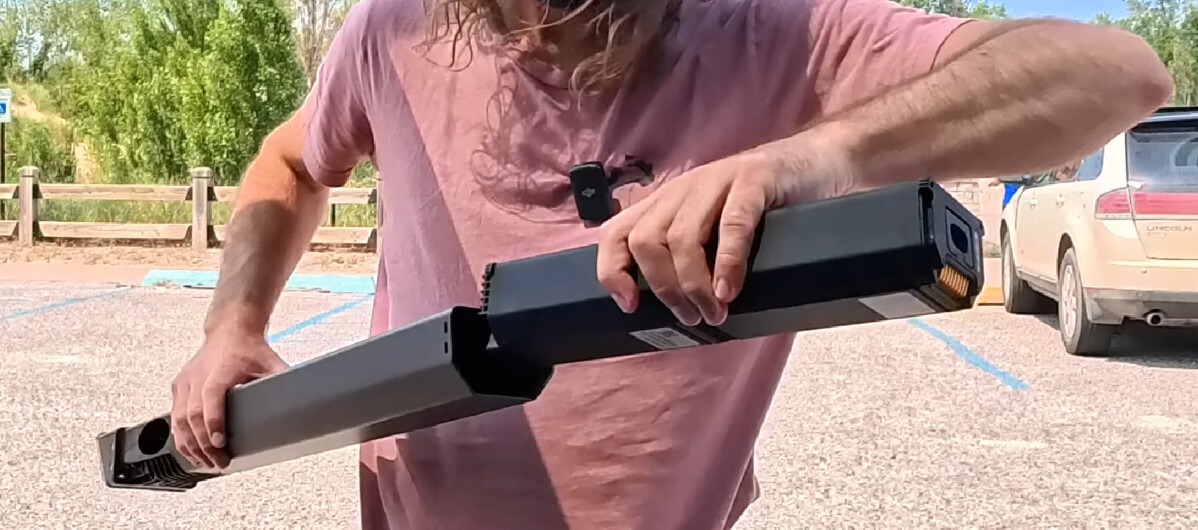
The contacts on one end of the battery will be sticking out, and that's the end you should slide into the carbon fiber jet tube first. Have the tube level or hold on to the battery as you slide it in so it doesn't drop in and hit hard. Push it into place to seat it, and you'll hear a beep as the jet unit turns on.
4. Seal It Up
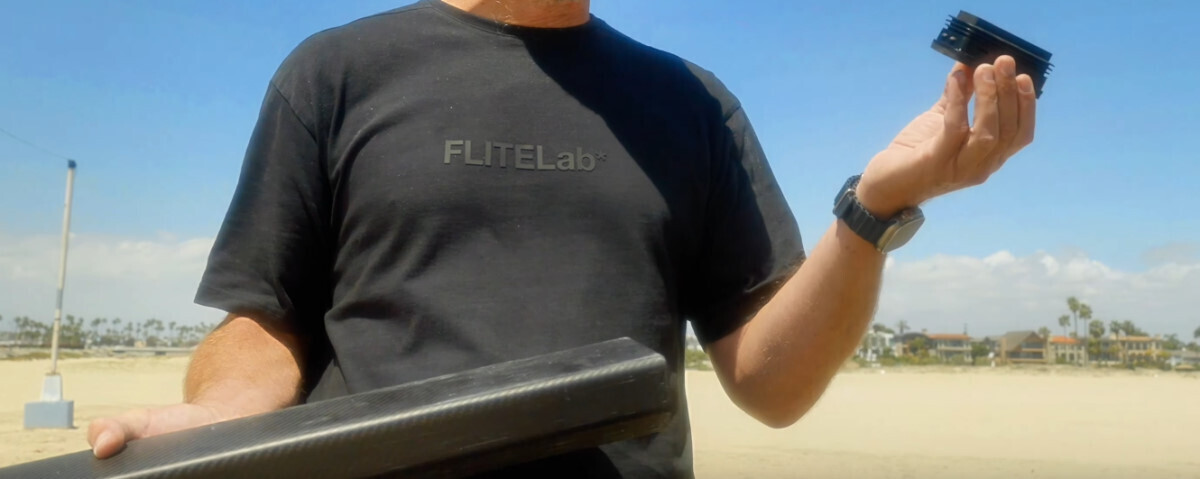
The end cap is watertight and fits onto the end of the jet tube with a firm push. It'll click into place.
5. Load It Up
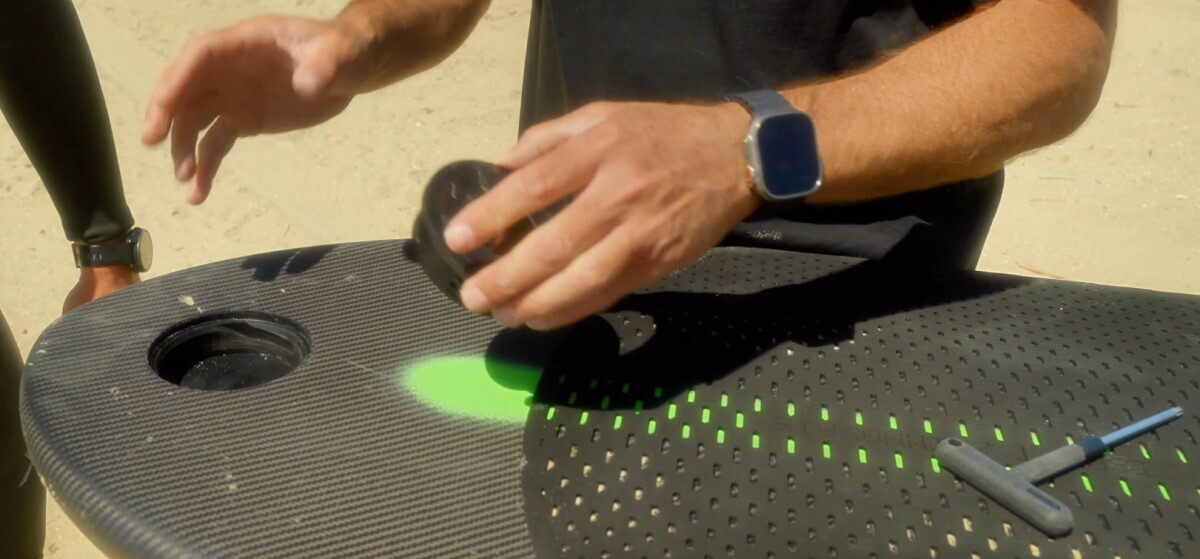
The whole jet unit slides into the back of the board, and then it locks in with one set screw. Using the included Torx driver, tighten the screw until the orange disappears. (The orange is to remind you that it's not locked in yet.) Just make it snug, being careful not to strip it out.
Bonus Tip: If the cartridge gets jammed in with sand, you can back the screw out to break the cartridge loose.

6. Get Ready for Launch
The Launch Pad drops into the hole on the nose of the board and locks in with a twist. You'll feel it click in. It fits nice and tight so you won't lose it out in the waves. Tucker likes the factory presets for prone, wing and downwind, but it's also got custom settings that you can set up if you need something different for light wind winging, flatwater starts, dockstarts, or whatever you may want to do. You can also customize the existing profiles to tweak them to your style and conditions, and then reset them to factory default if you change your mind.
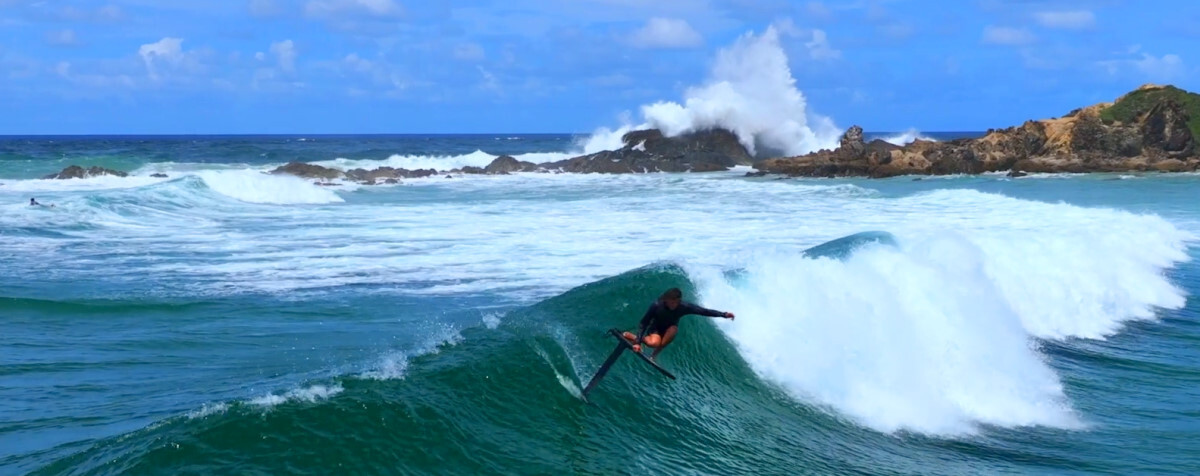
The FLITELab AMPJet is an incredibly well-thought-out system and opens up a whole new world of possibilities. Tucker even feels that it could be a one-board quiver for him. Of course, he'll need a few more sessions. Y'know, just to be sure...
MACkite Subscription Links:
YouTube | Instagram | Spotify Oddcasts
Contact MACkite Below:
800.622.4655 | Kiteboarder@MACkite.com | LIVE Chat Messenger
Recent Posts
-
One Board, Every Session | Why We're Stoked on the Omen Emissary
If you've been searching for a single board that can handle light-wind winging, parawinging, prone …25th Mar 2026 -

Reedin HyperModel Kite Review: Fast Loops and Big Air Performance
The HyperModel was developed in collaboration between Reedin and Brainchild. Ralf Groesel, Damien …25th Mar 2026 -

Prepping Your Waydoo eFoil After Winter Storage
After a long winter, your eFoil might have sat untouched for a few months. Before you rush to the …25th Mar 2026