
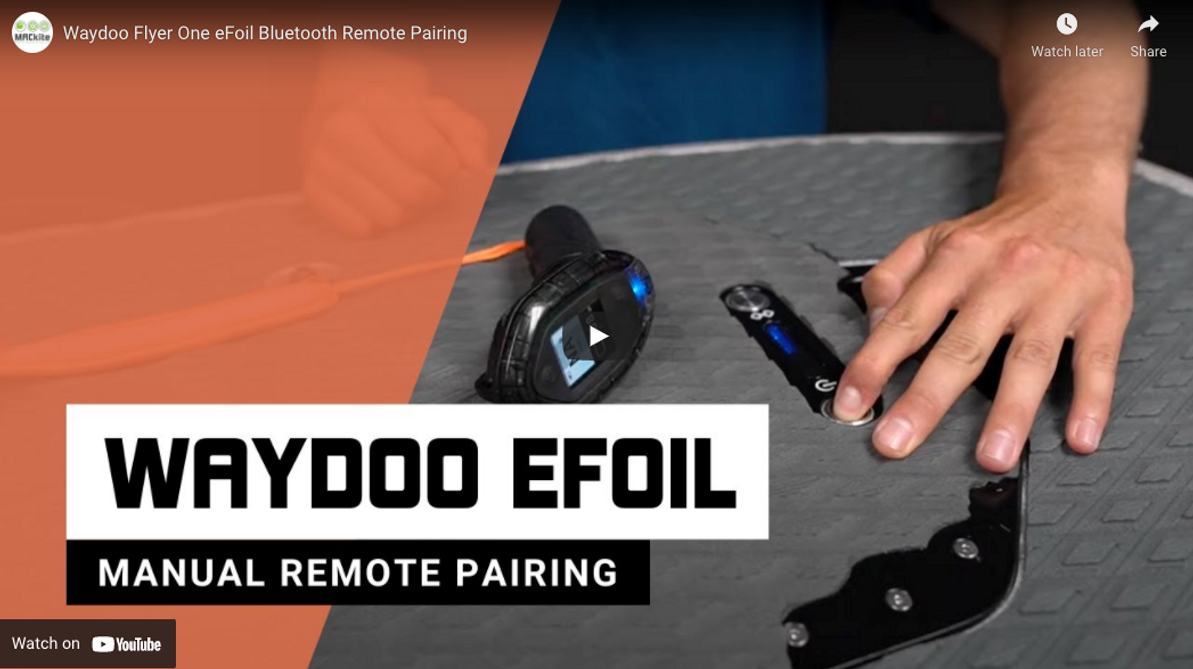
Waydoo Flyer One eFoil Bluetooth Remote Pairing
Pairing remote to Waydoo Flyer One
Well if you’ve found your way back here you are with in need of a refresher on the manual pairing process of your Waydoo Flyer One. The video above will take you step by step through the process as well we have included the step by step instructions bellow.
- Make sure Battery is tightly secured and you hear the connection noise between the power unit and the board
- If battery has a red light flashing, power unit is not connected
- On the battery power button press once then press and hold for 5 seconds
- On the remote power button; press and hold until the remote powers on.
- Put the battery in pairing mode by pressing the Bluetooth button once then press and hold for 5 seconds
- Put the remote in pairing mode by pressing the power button on the remote and the “-” button simultaneously until the remote vibrates
- Once the red light on the remote is steady and the blue light is flashing you are ready to ride
20th Aug 2021
Recent Posts
-

Wing Foiling Footwork: When (and Why) to Switch Stance for Better Riding
Your board stance can affect a lot of things when you're out on a wing and foil. Tucker and Jeff w …10th Apr 2026 -
Reedin Wing Foil Package Overview: Built to Learn, Designed to Progress
A Carefully-Crafted Entry Into Wing Foiling If you've been eyeing wing foiling but feel overwhelme …9th Apr 2026 -

Foil Drive's New Props Explained
For a long time, the black prop was just the prop. It came in the kit, it worked, and you rode it. …9th Apr 2026