
How To: Replace the Push Button on the 2017 Click Bar
Replacing Your Push Button on the 2017 North Click Bar
Your Push Button is your lifeline when it comes to depowering your kite on the all-new Click Bar. Replacing this mechanism is as easy as pie, with whipped cream on top. Take a look at our sweet steps below to get started on replacing your push button.
- Take your Allen Key, and insert it into the screw on the click button, located on the right side of your bar.
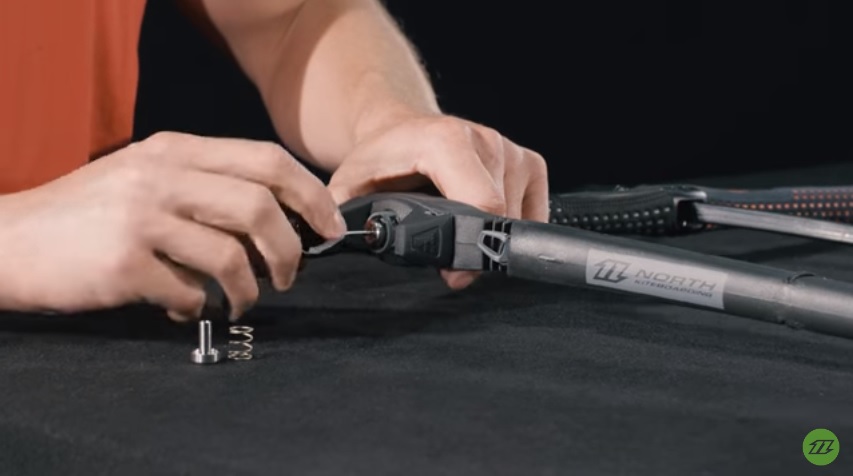
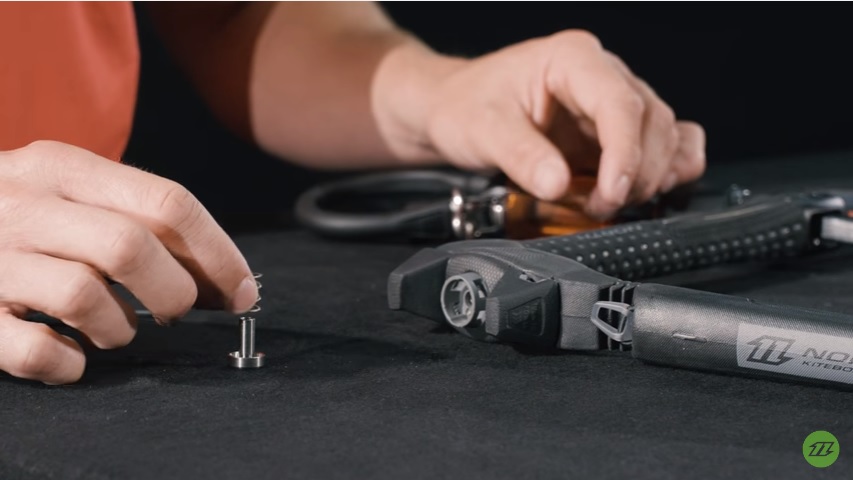
- Unscrew your push button completely until it slides out from the end of the bar.
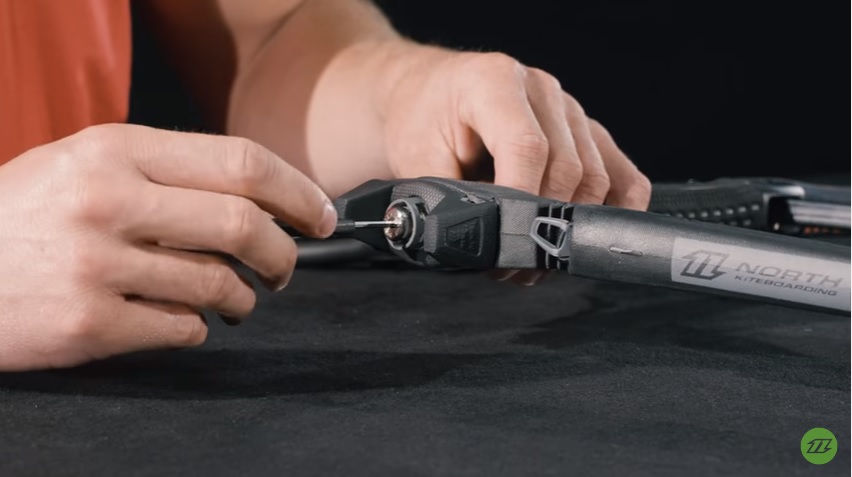
- Take your replacement push button and spring and screw it back into the same place.
27th Aug 2016
Recent Posts
-
2026 Cabrinha Unify Control Bar Review
The Brazilian Brothers are in windy Brazil to provide a thorough review of the brand-new 2026 Cabr …23rd Oct 2026 -
Naish Hatch V2 Parawing Overview
Jeff takes a few minutes out from the KoGL event to chat with Adam Carr from Naish about the Hatch …22nd Oct 2026 -
Flysurfer Soul 4 vs Sonic 5: Which Kite is for You?
Jeff is on the beach at KoGL with Marie-Eve from Flysurfer to discuss the growing excitement surro …20th Oct 2026